Fitter Fitness
  • Professionals
  • Organizations
  • Wholesale
  • My Account
  • Catalog Request
  • Newsletter Sign Up
  • Quick Shop
  • Shopping Cart:  0 Items
   
  • Country:
  • USA
About Us
  • About Fitter
  • Articles
  • Awards
  • Contact Us
  • History
  • Industry Associations
  • Research
  • Sponsorships
  • Testimonials
  • Trade Show Schedule
  • Links

Home > About Us > Articles > 10 Tips for a Healthy and Active Work Environment

10 Tips for a Healthy and Active Work Environment

Home Health Products Magazine
By: Ben Vincent, Bkin, CFC and Matt Ray

Introduction

In today's office environment many of us sit for at least 8 hours a day at our desk. This accounts for one third of our waking day! At the end of the workday stiff joints, aching back, numb legs, wrist pain, neck pain, and headaches are the norm. Consider the following:

  • The cubical environment provides no room for activity
  • Typing / mousing lead to repetitive strain injury
  • Inactive environments with fixed position seating promote poor posture
  • Slumping over a desk creates weak back muscles and rounded shoulders
  • The time spent in our office accounts for a huge amount of our non-active living
  • We know that activity and play reduce stress and anxiety...whereas, a static environment has the opposite effect
  • Stress and anxiety, combined with long periods of sitting, stimulate an unhappy workplace which leads to reduced productivity and creativity
  • A "fun" atmosphere is rarely promoted in today's workplace...why is this?

Do we really want to maintain a situation that creates a liability to our health and wellbeing? We work hard to earn money and to make free time allowing us to play the games we enjoy. If our workplace is a liability to our long-term wellbeing, then what can we do to maintain our health?

The following 10 tips will provide you with some great solutions to the above concerns and provide you with the tools to create a more active, ergonomic and fun work environment.

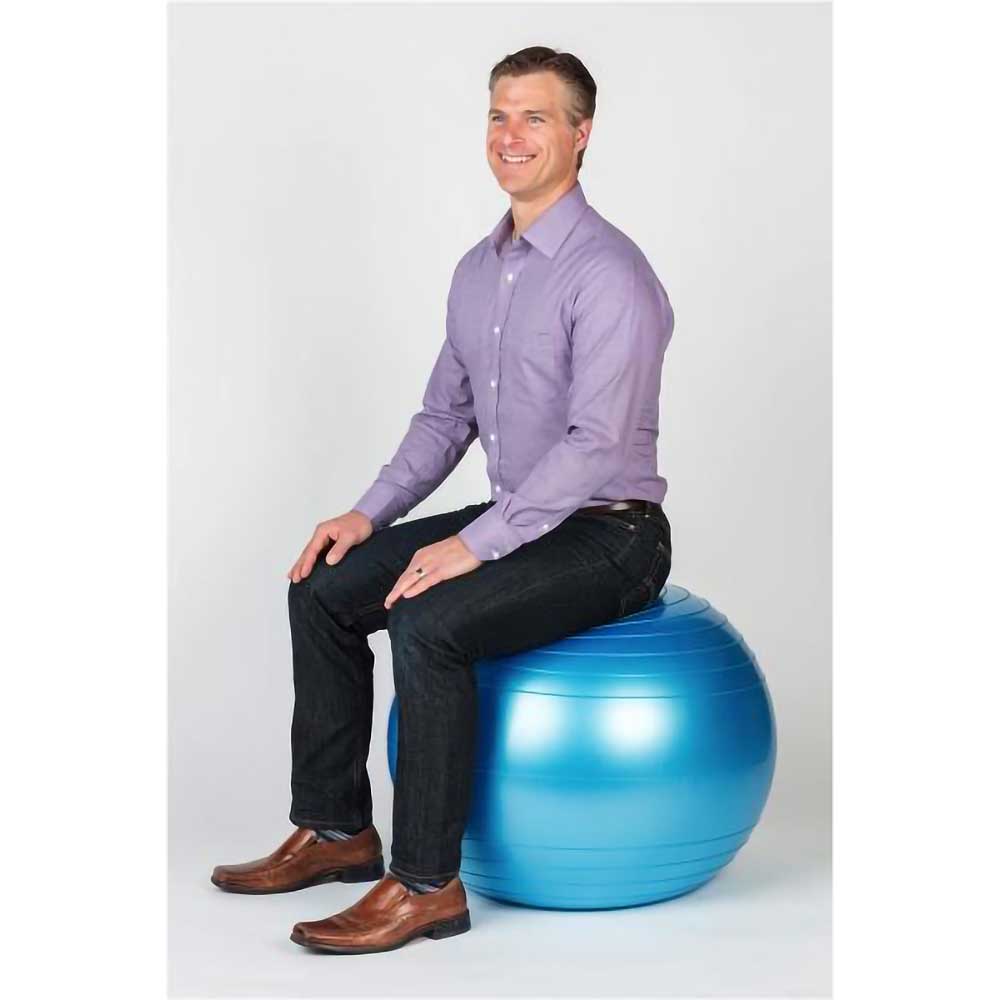
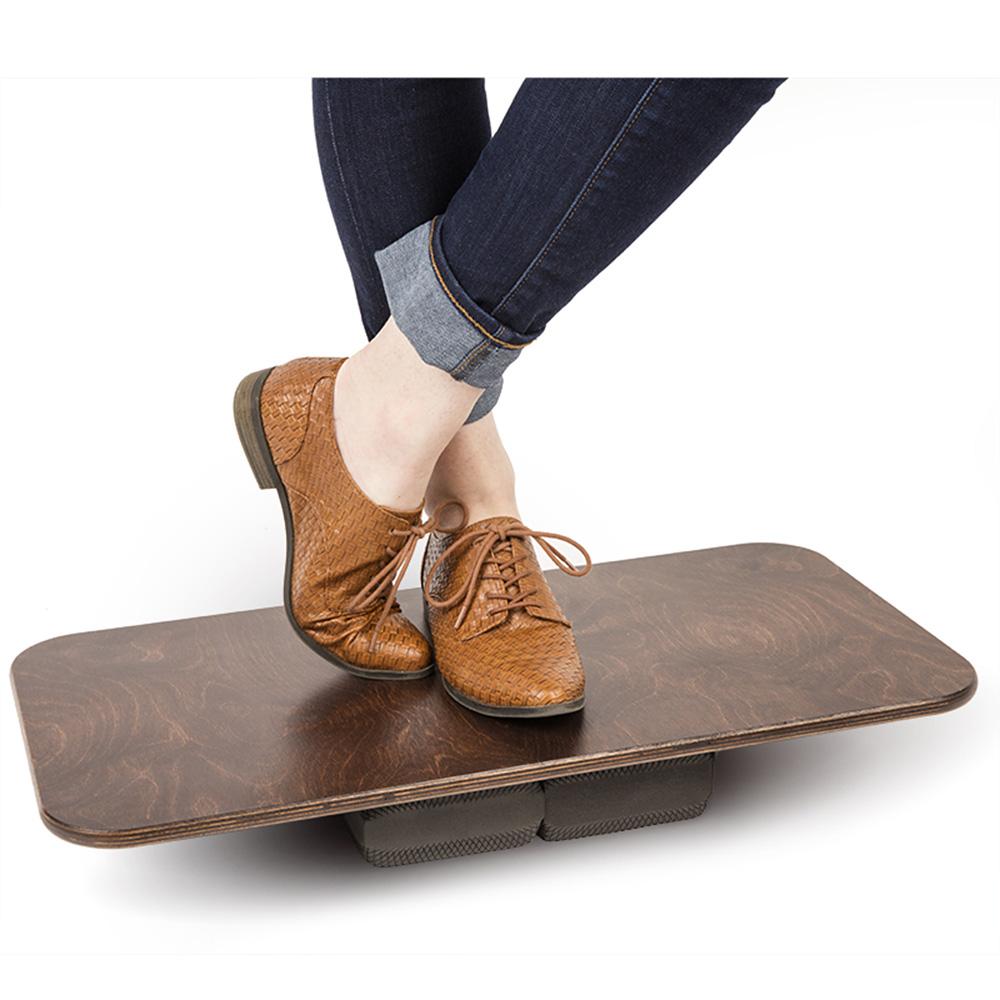
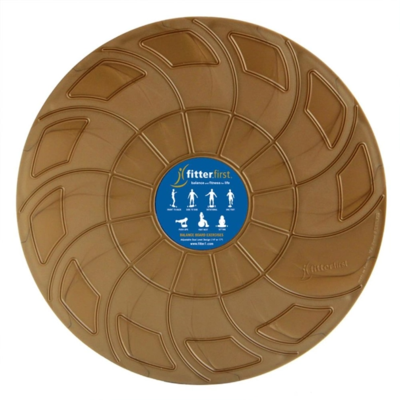
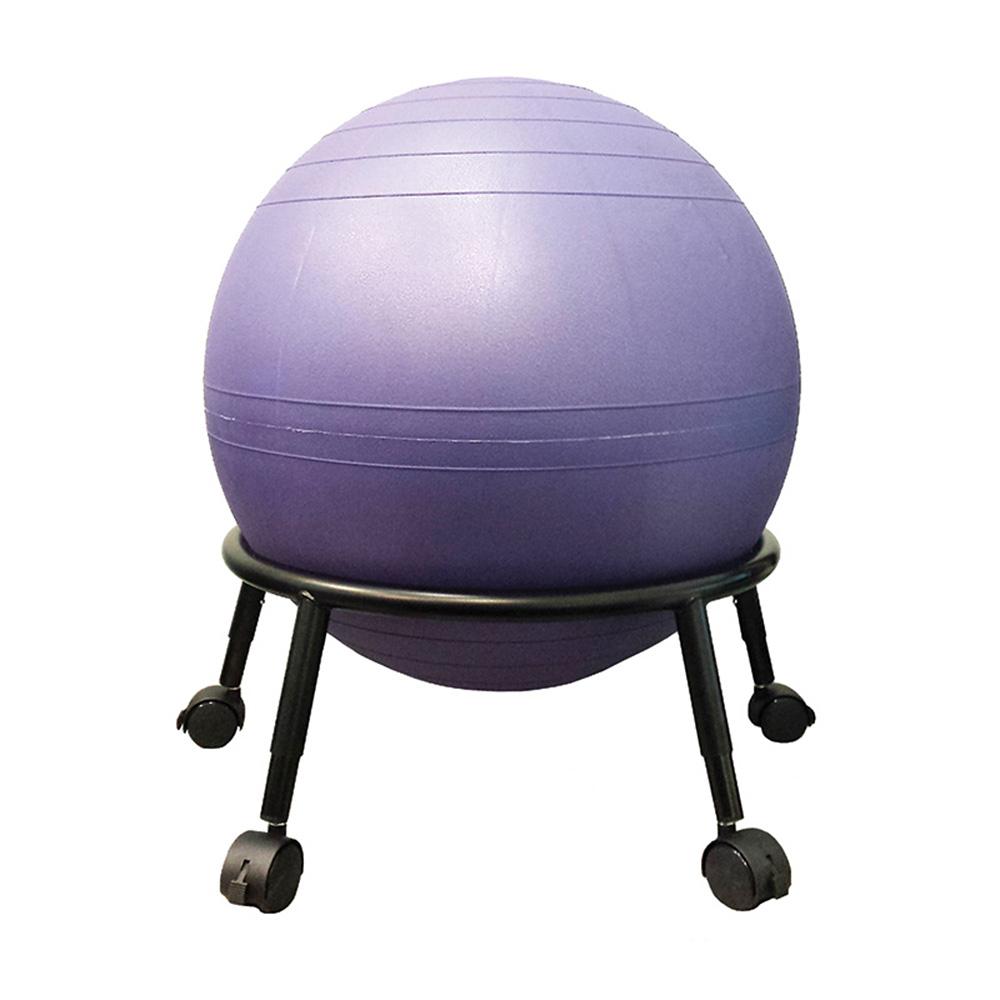
Ball Chair Swopper Office Wobble Board Power Web

Tip 1. Use a Ball as a chair

The exercise ball is a dynamic tool that can provide many health benefits in the work environment when used as a chair. The ball chair is an active surface that leads to improved posture, core strength and body awareness. A standard desk chair can be viewed as a cast; our bodies are static and our postural muscles weakened. This static sitting position does not allow us to maintain a good relationship with gravity. As our bodies are being compressed by gravity we try to relieve this pressure by slouching and sitting in awkward positions. Sitting on a ball helps us relieve the pressure of gravity due to its dynamic motions. This freedom of movement allows our spine to find its optimal posture in conjunction with gravity. All of the micro adjustments that our body makes while sitting on the ball also help improve circulation which helps keep the intervertebral discs nourished and healthy. The instability of the ball and the lack of a backrest encourages the use of stabilizer muscles in our core. This increased core strength helps to maintain a good posture. When choosing an exercise ball for a chair it is important to consider the height and quality of the ball. To determine the optimal ball size, sit on the ball and look for your thighs to be slightly above parallel with the ground. To ensure safety use a burst-rated ball.

Tip 2. Use Other Active Sitting Devices

If circumstances do not permit the use of an exercise ball, there are other options which allow for an active sitting surface. As stated above, active sitting is a new and dynamic concept, which enhances the health of individuals who are willing to give it a try. Some alternatives to using a ball chair are the Swopper and the Fitter Active Sitting Disc. Both these products allow mobility and promote good posture. The Swopper is an active sitting platform that provides all of the same benefits of the ball due to its tilting and rocking motions. The lack of a backrest naturally initiates the use of our postural muscles and increases core strength. The Fitter Active Sitting Disc is an air filled cushion that can be placed on top of a standard desk chair. The cushion allows for movement through the hips allowing your body to find its optimal posture in conjunction with gravity.

Tip 3. Use a Wobble Board as a Footrest

Using a footrest is another important piece of the puzzle in maintaining good health in the workplace. The advantage of using an adjustable wobble board as a footrest is that it provides an elevated platform in which to rest the legs and alleviate pressure from the back of the leg. The mobility of the wobble board also helps to eliminate stiffness from the joints and muscles in our legs. When talking on the phone, why not stand on the wobble board. This is a great opportunity to add an active component to your day and also enhance your balance and proprioception.

Tip 4. Use a Power Web

A Power Web is a very useful hand-strengthening tool that fits nicely into the work environment. This elastic resistance webbing takes up little space and can be used to strengthen and stretch the muscles of the forearm and hand. Using the Power Web periodically throughout your workday will provide you with some needed tension relief from continuous typing and mousing. It can also act as a great 'digit fidget', reducing any stress and anxiety that has built up during the course of your day. Keeping the hand and wrist strong and flexible can prevent the onset of Carpal Tunnel Syndrome as well as other repetitive strain disorders.

Tip 5. Adjust Desk to Proper Height

Another vital aspect of the workspace ergonomics is desk height. Proper keyboard, monitor and phone set up are all dependent on the height of your desk. Once you have determined the proper height for your sitting surface, desk height can be properly assessed. It is important to remember to adjust your workspace and to not let your workspace adjust you. Your desk height should allow for comfortable and easy access to the various components of your workstation. You do not want to be hunched over or straining yourself to perform your work activities.

Tip 6. Adjust Monitor Position

Now that the foundation of your workspace is set it's time to adjust the objects that rest on top of the desk. Proper monitor placement will benefit you tremendously by helping to avoid headaches caused by the strain on your eyes and neck. There are many tools, available at office supply stores, which allow you to adjust the height of your monitor. To find the correct monitor height, gaze forward with a neutral position of the head. With your eyes relaxed you want the middle of your monitor to line up with your sight (your eyes should be at the same height as the top of the monitor). Try to avoid having your head bending forward or backward, as this is what causes your eyes and neck to strain. When your eyes can't achieve a neutral position the rest of your body compensates, leading to aches and pains.

Tip 7. Adjust Placement of Reference Material

Just as important as the height of your monitor is the height of the reference materials being used in conjunction with your computer. The ideal placement of these materials would be directly beside your monitor so that you are not straining your neck to read them. There are different stands and monitor clips that can be used to fit your needs.

Tip 8. Keyboard

When typing for extended periods of time it is vital to maintain an adequate wrist position. A straight (neutral) position is ideal, and a cushy wrist support at the base of the keyboard is recommended. If the wrist rests on the desk or the edge of the keyboard pain may result. If the wrist is in an over-extended or over-flexed position this will put increased strain on the muscles, tendons and joints of the wrists. Individuals with shorter fingers may find it more comfortable to elevate the back of the keyboard while typing. People with longer fingers may prefer to elevate the front of the keyboard while typing. Set your keyboard up correctly and you will reduce your chance of obtaining Carpal Tunnel Syndrome, neck pain (chronic crush syndrome) and chronic tension in the forearms.

Tip 9. Use a Book Stand for Reading

Reading is an integral part of our day and should be done in a manner that allows comfort. The use of a book stand allows us to tilt the book forward so that we are not straining our necks. This is very important when we are reading for prolonged periods of time. This simple and effective tool can help create a more enjoyable experience at your desk.

Tip 10. Use a Headset when Talking on the Phone

Many jobs require people to talk on the phone as they are performing various tasks, such as writing or typing. This typically leads to poor posture as the phone is being held between the head and neck. By using a head set with your phone you will eliminate neck pain which is caused by the strain of bad posture.

Creating an active, healthy workplace requires a paradigm shift that will adjust the way we think. Using a ball as an office chair is not a fad as the pet rock was in the 60's. It's a paradigm shift that will permanently change the office environment as we know it. Our time spent at work will no longer be a liability to our long-term health and may actually improve our overall wellbeing.

Make an exciting and positive change and start integrating the 10 tips into your office today. Its fun and you will experience results immediately. You will also have the tools to help reduce the wear and tear on your body with time, so that you can continue to do what you enjoy and age with grace.

  • Products

  • Balance Boards
  • Pro Fitter, SRF Board
  • Exercise Balls
  • Active Sitting
  • Massage & Therapy
  • Foam Rollers
  • Strength Training
  • Books
  • Family Fitness
  • DVD's
  • Courses
  • Info

  • About Us
  • Contact Us
  • President's Bio
  • Privacy Policy
  • Return Policy
  • Disclaimer
  • Exercise Charts
  • FAQs
  • Research
  • Services

  • Site Map
  • Press Room
  • Product Warranty
  • Image Gallery
  • Order Tracking
  • Reseller Locator
  • Customer Service
  • Catalog Request
  • Newsletter Signup
  • Network

  • Balance Blog
  • I am Fitter.com
  • Facebook Page
  • Twitter
  • Youtube
  • Flickr
Click For Map.
mail
weborders@fitter1.com
phone
  1-800-fitter-1
  • YOUR STATUS 1 about 4 hours ago
  • YOUR STATUS 2 about 8 hours ago
fitterfirst on Twitter fitterfirst on facebook fitterfirst on Twitter
Fitterfirst - fitter1.com
© 2011 Fitter International Inc.
All rights reserved.
Fitterfirst accept Mastercard, Visa and Mastercard. We ship Exclusively with UPS.
ABOUT SSL CERTIFICATES